VCF 9 – Import a Workload Domain
In this post we’ll show the process to import an existing vSphere 8 Environment to a VCF 9 Deployment as a new workload domain.
Lab Setup: The environments have been prepared using a dual-site Holodeck deployment.
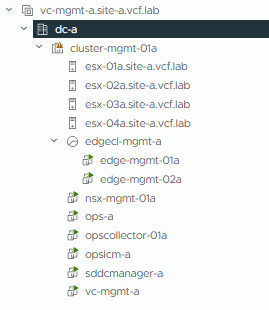
Site-A – VCF 9 Management Domain:
Create a new Holodeck config
Configure as Dual Site (Set-HoloRouter -dualsite)
Deploy Site-A Management Domain (New-HolodeckInstance -Version 9.0 -vSANMode OSA -ManagementOnly -site a)
Site-B – vSphere 8:
Create a new Holodeck config
Configure as Dual Site (Set-HoloRouter -dualsite)
Deploy Site-B ESX Servers, skip VCF bringup using the “ProvisionOnly” switch (New-HolodeckInstance -Version 5.2 -vSANMode OSA -ManagementOnly-ProvisionOnly -site b)
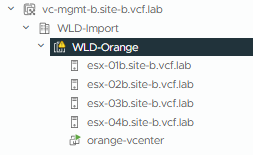
When the above completes we will have 4x ESX v8 servers we can use to manually build vCenter and a 4x node cluster. Screenshot below shows the inventory once that step is complete – 4x node vSAN cluster with a vCenter deployed.
We’ll be following the official documentation for this process. Please review the documentation for pre-requisites, minimum requirements, caveats etc.
As this is only a standalone vSphere without NSX, this process will also deploy an NSX Manager for this WLD Domain Import.
To begin, log into VCF Operations on the Site-A VCF 9 Deployment
Select Inventory/Detailed View/Import a vCenter

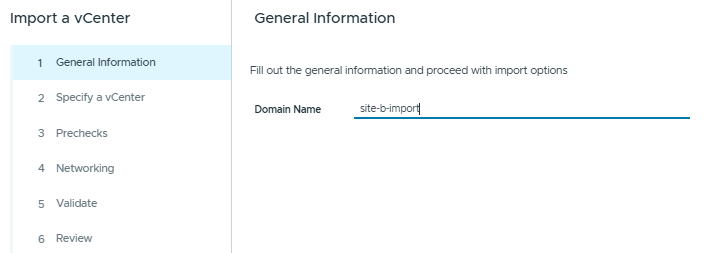
Enter the VCF Domain Name
Enter the Site-B vCenter details for the environment we’ll be importing.
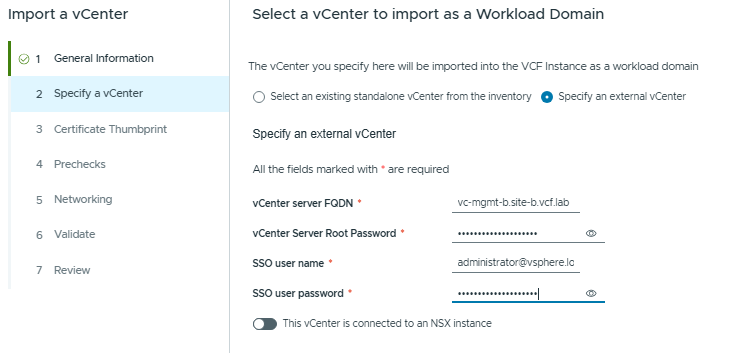
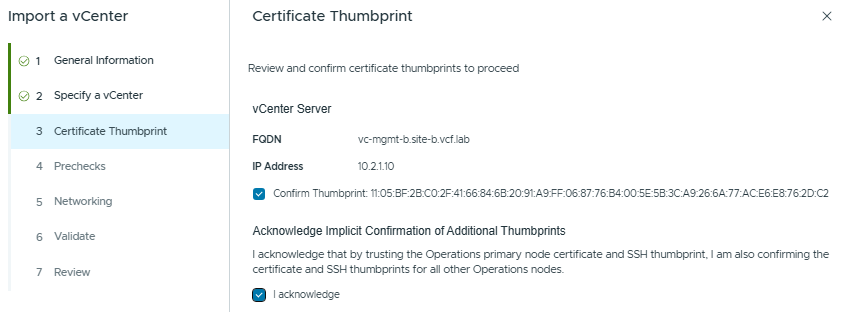
Validate and Confirm the vCenter Certificate
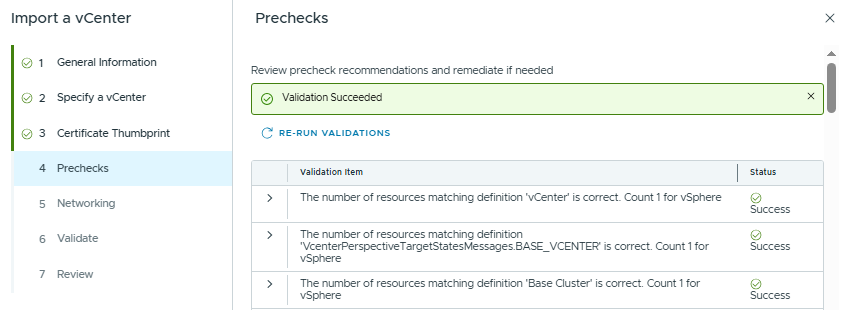
Validate that the pre-checks are all successful
Fill the NSX Manager details, I’m using the Holodeck Site-B Standards here, as the required DNS records/IP allocations are already configured.
The default network option is to use the ESX Management Interfaces for the Overlay Traffic.
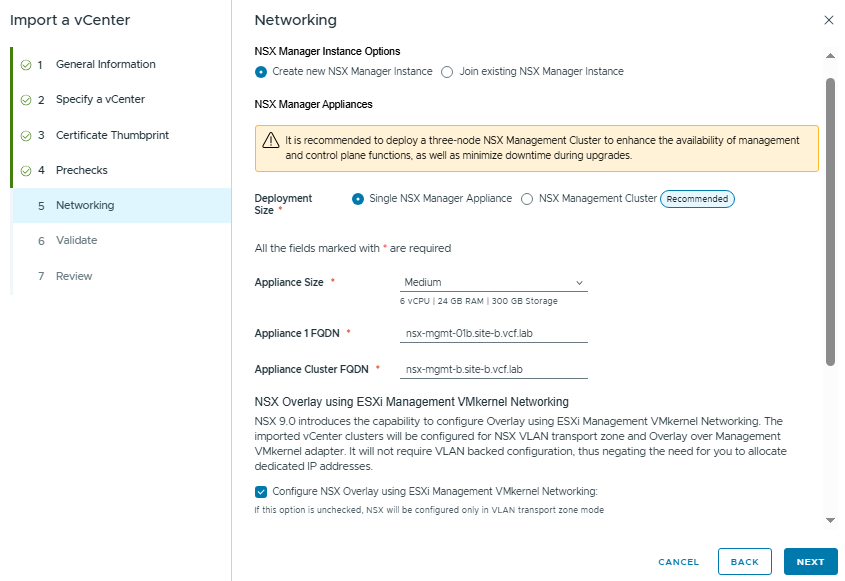
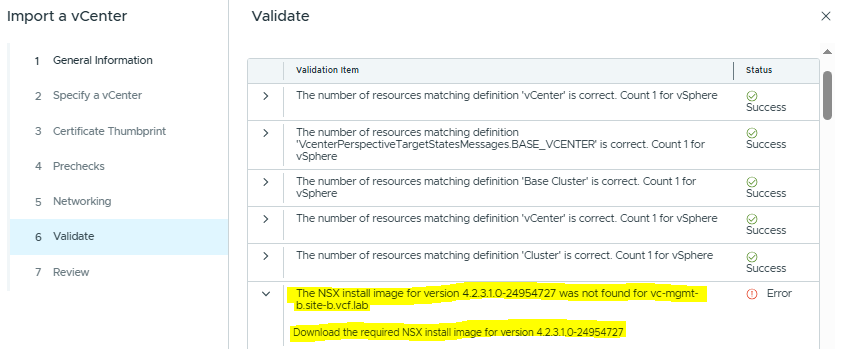
At this point I got an error – the Install Binary for the NSX Manager that matches the 5.2 BOM has not been downloaded, and it’s required for the deployment.
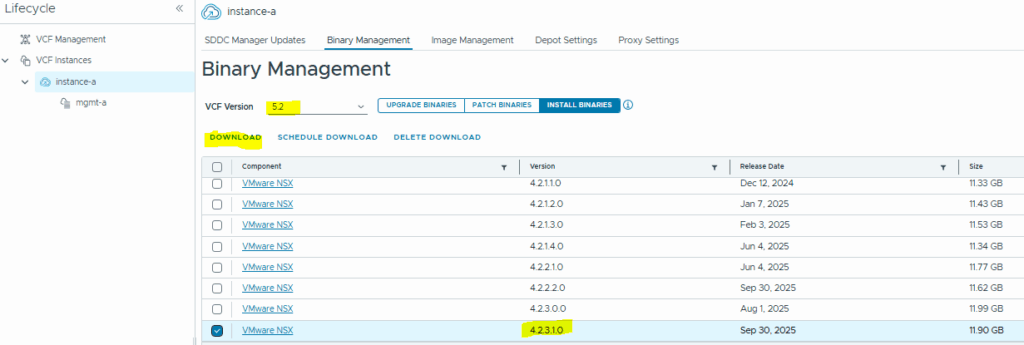
To download this, we need to browse to Fleet Management / Lifecycle / VCF Instances – pick the instance you will be deploying under, and download the required version.
After downloading the binaries, I got another error which required me to deploy a 3-node NSX Cluster – it looks like the single node NSX is only supported on VCF9.
In a production environment, it’s more likely that you’ll be deploying a 3 node cluster to provide high availability for NSX Management components.
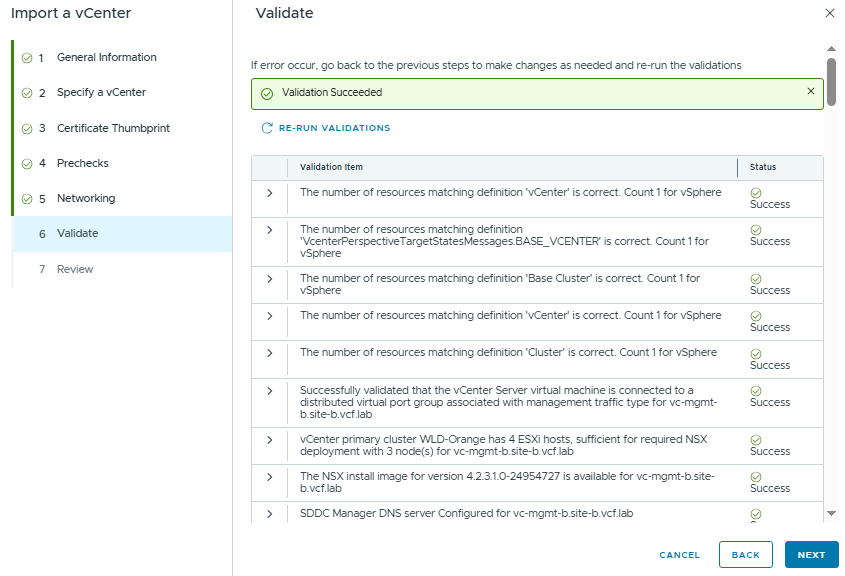
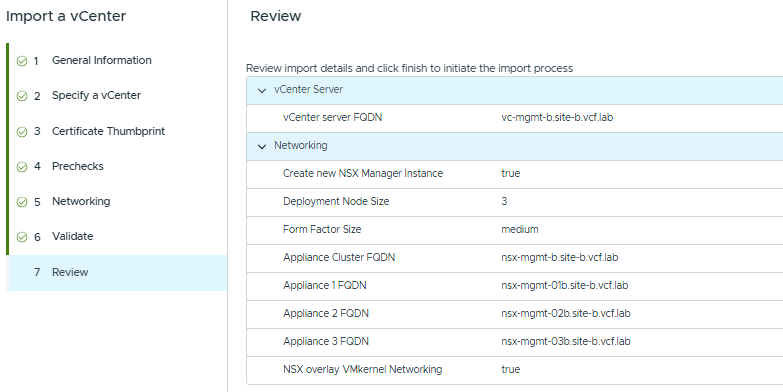
Click Next, review the Validation and then click “Finish”
You can monitor the status/review any errors by browsing to Lifecycle / Tasks.

We can see the NSX Managers getting deployed into the WLD Domain we are importing (not into the Management Domain).
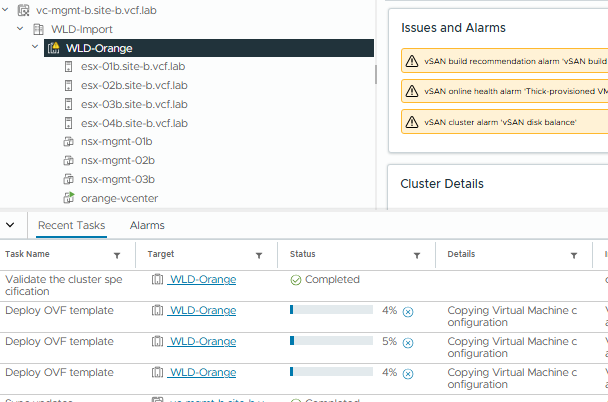
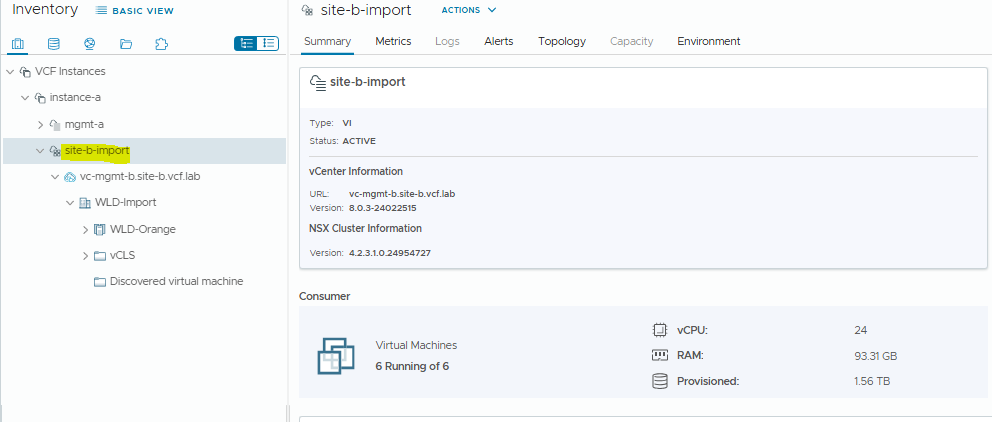
Once the tasks all complete, we will see the imported domain in the Inventory view. Now we can use VCF functionality to manage this domain, such as lifecycling, certificate management, host expansions etc.